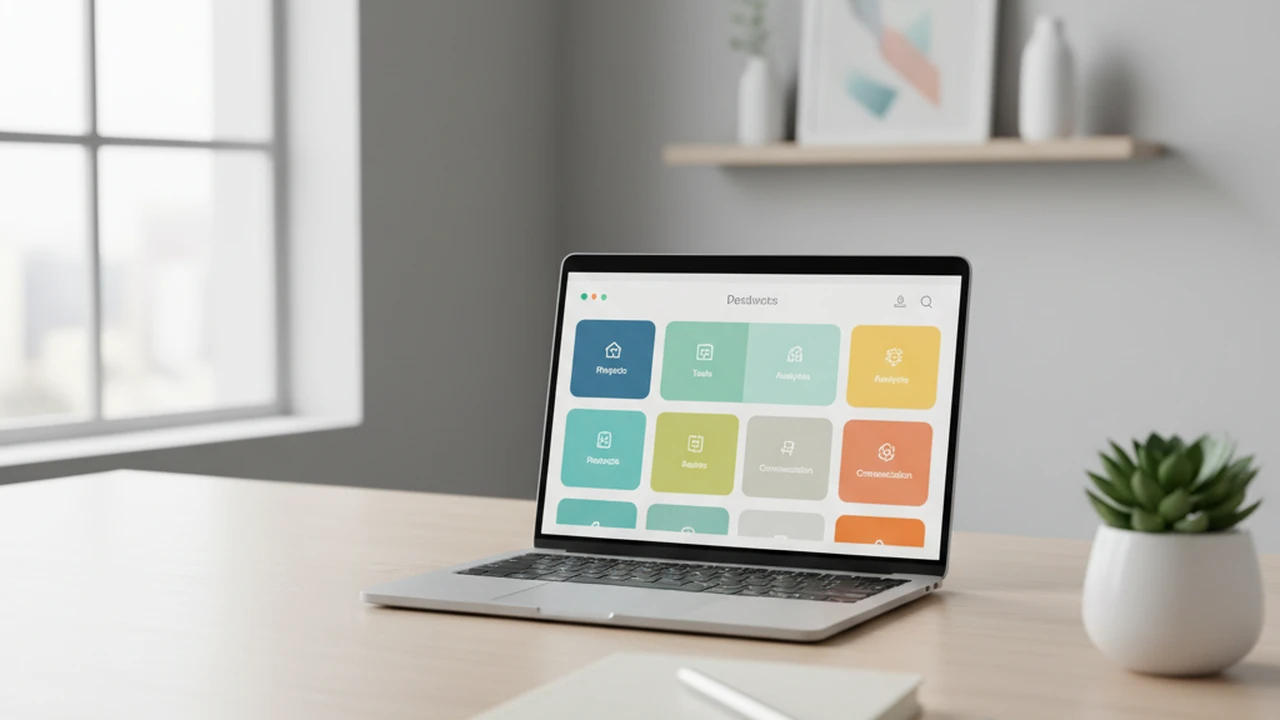
Top 3 AI Assistants for Elderly Care Support
Explore the leading AI assistants that offer support for elderly individuals, enhancing safety, communication, and daily living. Provide peace of mind for families.
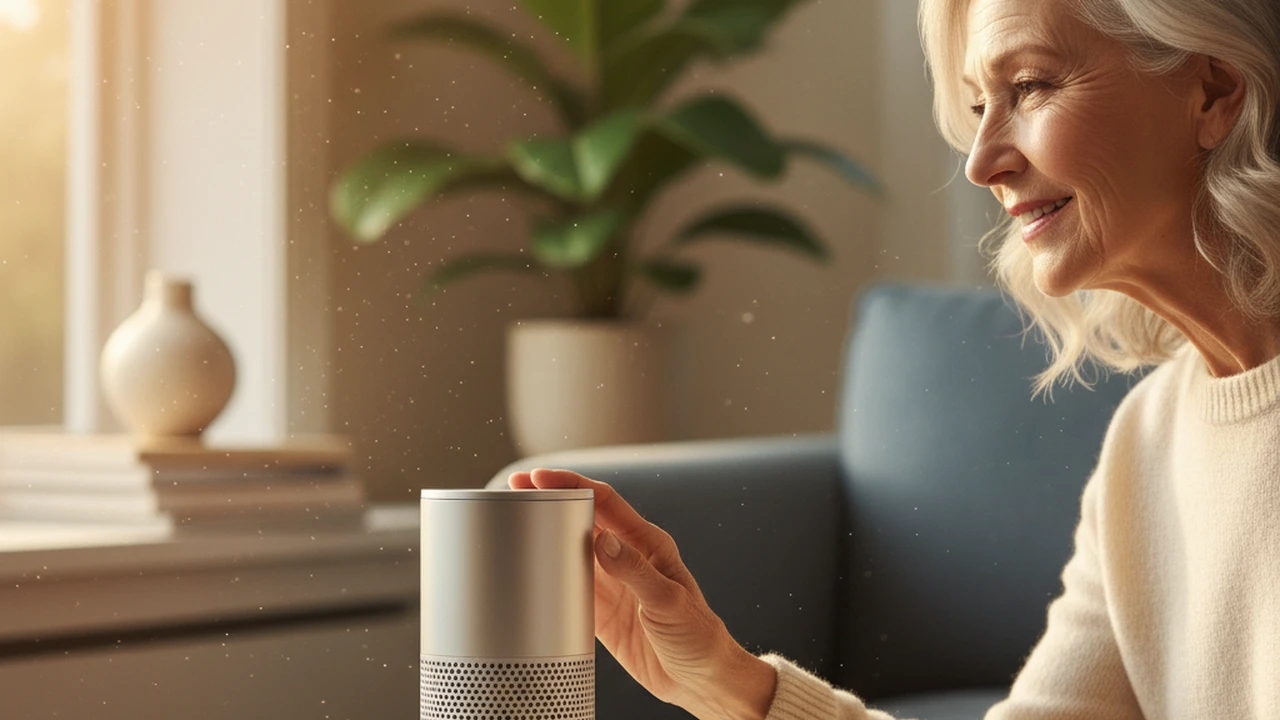
Top 3 AI Assistants for Elderly Care Support
Discover the leading AI assistants that offer support for elderly individuals, enhancing safety, communication, and daily living. Provide peace of mind for families.
As our loved ones age, ensuring their safety, comfort, and continued independence becomes a top priority for many families. Fortunately, advancements in artificial intelligence are providing innovative solutions to support elderly individuals in their daily lives. AI-powered assistants are emerging as invaluable tools, offering a range of functionalities from emergency alerts and health monitoring to companionship and simplified communication. These technologies not only enhance the quality of life for seniors but also offer peace of mind to their families, knowing that help and support are readily available.
Understanding the Role of AI in Elderly Care
The integration of AI into elderly care is transforming how we approach aging. Unlike traditional methods, AI assistants can offer proactive support, learn individual routines, and adapt to changing needs. They can bridge geographical distances between family members and provide a consistent level of assistance that might be challenging to achieve otherwise. The primary goals of these AI assistants are to:
- Enhance safety through fall detection and emergency alerts.
- Promote independence by simplifying daily tasks.
- Facilitate communication with family, friends, and caregivers.
- Provide companionship and reduce feelings of loneliness.
- Monitor health metrics and remind users about medications.
Key Features to Look for in AI Elderly Care Assistants
When selecting an AI assistant for elderly care, several key features are crucial to consider. The best solutions will offer a combination of reliability, ease of use, and comprehensive support tailored to the specific needs of the individual.
- Emergency Response Systems: This is perhaps the most critical feature. Look for systems that can detect falls automatically or allow for easy manual activation of an emergency call. Immediate contact with emergency services or designated family members is paramount.
- Voice Control and Simplicity: Elderly users may have difficulty with complex interfaces. Voice-activated commands make it easier to operate the assistant, ask questions, or initiate calls without needing to navigate menus.
- Health Monitoring Capabilities: Some assistants can integrate with wearable devices or have built-in sensors to track vital signs like heart rate, blood pressure, and activity levels. They can also provide medication reminders.
- Communication Features: Easy-to-use video calling, voice messaging, and simplified contact lists help seniors stay connected with loved ones.
- Companionship and Engagement: AI can offer conversational interaction, play music, read audiobooks, or even engage users in simple games, helping to combat loneliness.
- Smart Home Integration: The ability to control lights, thermostats, and other smart home devices via voice commands can significantly improve comfort and convenience.
- User-Friendliness and Setup: The device should be easy to set up and use, with clear instructions and minimal technical hurdles.
- Privacy and Security: Ensure that the device and its associated services have robust privacy policies and secure data handling practices.
Top 3 AI Assistants for Elderly Care Support
Based on these considerations, here are three leading AI assistants that excel in providing support for elderly individuals:
1. Amazon Echo Show with Alexa Care Hub
Amazon Echo Show (e.g., Echo Show 8)
Description: The Amazon Echo Show is a smart display that integrates Alexa, Amazon's voice assistant. When paired with Alexa Care Hub, it offers a suite of features designed for elderly care. Care Hub allows designated family members or friends to remotely monitor activity, receive alerts, and easily communicate with the senior.
Key Features for Elderly Care:
- Voice Control: Ask Alexa to make calls, set reminders, play music, get news, control smart home devices, and more.
- Video Calling: Make video calls to other Echo devices or the Alexa app on smartphones.
- Alexa Care Hub: Enables family members to check in, set up activity alerts (e.g., if no movement is detected for a certain period), and create a "nod" system for quick check-ins.
- Emergency Assistance: Seniors can ask Alexa to call emergency services or specific contacts.
- Medication Reminders: Set up voice reminders for taking medications.
- Smart Home Integration: Control compatible smart lights, locks, and thermostats.
Use Cases:
- A senior living alone can easily call their daughter for a chat using just their voice.
- Family members can receive an alert if their elderly parent hasn't moved around much by a certain time of day, prompting a check-in.
- Reminders for taking daily medication can be set up and delivered audibly.
- Simple voice commands can turn on lights or adjust the thermostat for comfort.
Pricing: Amazon Echo Show devices typically range from $70 to $230 USD, depending on the model and screen size. Alexa Care Hub is a free feature within the Alexa app.
Pros: Widely available, extensive Alexa ecosystem, user-friendly interface, robust family monitoring features with Care Hub.
Cons: Requires a stable internet connection, relies on Amazon's ecosystem, privacy concerns for some users.
2. Google Nest Hub Max with Google Assistant
Google Nest Hub Max
Description: The Google Nest Hub Max is another smart display powered by Google Assistant. It offers similar voice control and communication features to the Echo Show, with a strong emphasis on Google's AI capabilities for information retrieval and smart home management. While it doesn't have a direct equivalent to Alexa Care Hub's specific activity monitoring, its communication and smart home features are highly beneficial.
Key Features for Elderly Care:
- Voice Control: Access Google Search, get weather updates, set reminders, make calls (via Google Duo), control smart home devices.
- Video Calling: High-quality video calls through Google Duo.
- Google Assistant: Excellent for answering questions, providing information, and managing daily tasks.
- Smart Home Integration: Works with a wide range of smart home devices.
- Personalized Routines: Can set up custom routines triggered by voice commands (e.g., "Good morning" could turn on lights, give a weather report, and read calendar events).
- Built-in Camera: The camera can be used for video calls and also has features like Nest Cam security monitoring (optional).
Use Cases:
- A senior can ask Google for the latest news headlines or the weather forecast for the day.
- Easily initiate a video call with family members using Google Duo.
- Control smart lights and thermostats with simple voice commands.
- Get quick answers to health-related questions (though always advise consulting a doctor).
Pricing: The Google Nest Hub Max typically costs around $230 USD, though sales are frequent.
Pros: Excellent voice recognition and information retrieval, high-quality display and speaker, strong Google ecosystem integration, good for those already using Google services.
Cons: Lacks the specific proactive monitoring features of Alexa Care Hub, camera might raise privacy concerns for some.
3. GrandPad
GrandPad
Description: GrandPad is specifically designed for seniors, offering a simplified tablet experience focused on essential communication and entertainment features. It eliminates the complexity of standard tablets, making it incredibly easy for older adults to use.
Key Features for Elderly Care:
- Simplified Interface: Large icons, clear text, and intuitive navigation.
- One-Touch Calling: Pre-programmed contacts with photos allow for one-touch calling (voice and video).
- Video Calls: Easy-to-use video calling with family and friends.
- Email and Photos: Simple interface for sending/receiving emails and viewing photos.
- Internet Browsing: A curated and safe internet experience.
- Games and Entertainment: Access to simple games, news, weather, and music.
- 24/7 Customer Support: Dedicated support line for users and their families.
- Optional Emergency Button: A physical button can be added for immediate emergency contact.
Use Cases:
- A senior can easily video call their grandchildren by tapping their picture on the screen.
- Sending and receiving family photos becomes a simple, enjoyable activity.
- Accessing news or playing a favorite card game without navigating complex menus.
- Quickly contacting support or a family member in case of need.
Pricing: GrandPad typically involves a monthly service fee, often around $65 USD per month, which includes the device and all services. This subscription model ensures ongoing support and updates.
Pros: Extremely user-friendly, specifically designed for seniors, excellent customer support, reduces complexity significantly.
Cons: More limited in functionality compared to general-purpose smart displays, subscription model can be more expensive long-term than a one-time purchase, less integration with a wide range of third-party smart home devices.
Comparing AI Assistants for Elderly Support
Choosing the right AI assistant depends heavily on the individual's needs and the family's priorities. Here's a quick comparison:
- For Comprehensive Family Monitoring and Alerts: Amazon Echo Show with Alexa Care Hub stands out. Its proactive monitoring and alert system offers significant peace of mind for families concerned about a senior's well-being and safety when living alone.
- For Information Access and General Smart Home Use: Google Nest Hub Max is a strong contender, especially if the senior or family already uses Google services. Its strength lies in its robust AI for information and seamless integration with a wide array of smart home products.
- For Ultimate Simplicity and Dedicated Senior Use: GrandPad is unparalleled. If the primary goal is to make technology accessible and easy for a senior who struggles with standard devices, GrandPad offers the most straightforward and supportive experience.
Integrating AI into Daily Life for Seniors
Introducing AI assistants into the lives of elderly individuals should be a thoughtful process. It's important to:
- Involve the Senior: Discuss the benefits and address any concerns they might have.
- Start Simple: Begin with basic functionalities like voice commands for reminders or calls.
- Provide Training: Offer patient and clear instructions on how to use the device.
- Set Realistic Expectations: Understand that AI is a tool to assist, not replace, human interaction and care.
- Prioritize Privacy: Discuss privacy settings and ensure comfort with the data being collected.
AI assistants are rapidly evolving, offering more sophisticated ways to support aging in place. By carefully selecting the right technology and integrating it thoughtfully, families can significantly enhance the safety, independence, and overall quality of life for their elderly loved ones.
:max_bytes(150000):strip_icc()/277019-baked-pork-chops-with-cream-of-mushroom-soup-DDMFS-beauty-4x3-BG-7505-5762b731cf30447d9cbbbbbf387beafa.jpg)