5 Best AI Apps for Creative Hobbies
Explore 5 AI applications that can assist with creative hobbies like writing, art, and music. Unleash your creativity with AI-powered tools.
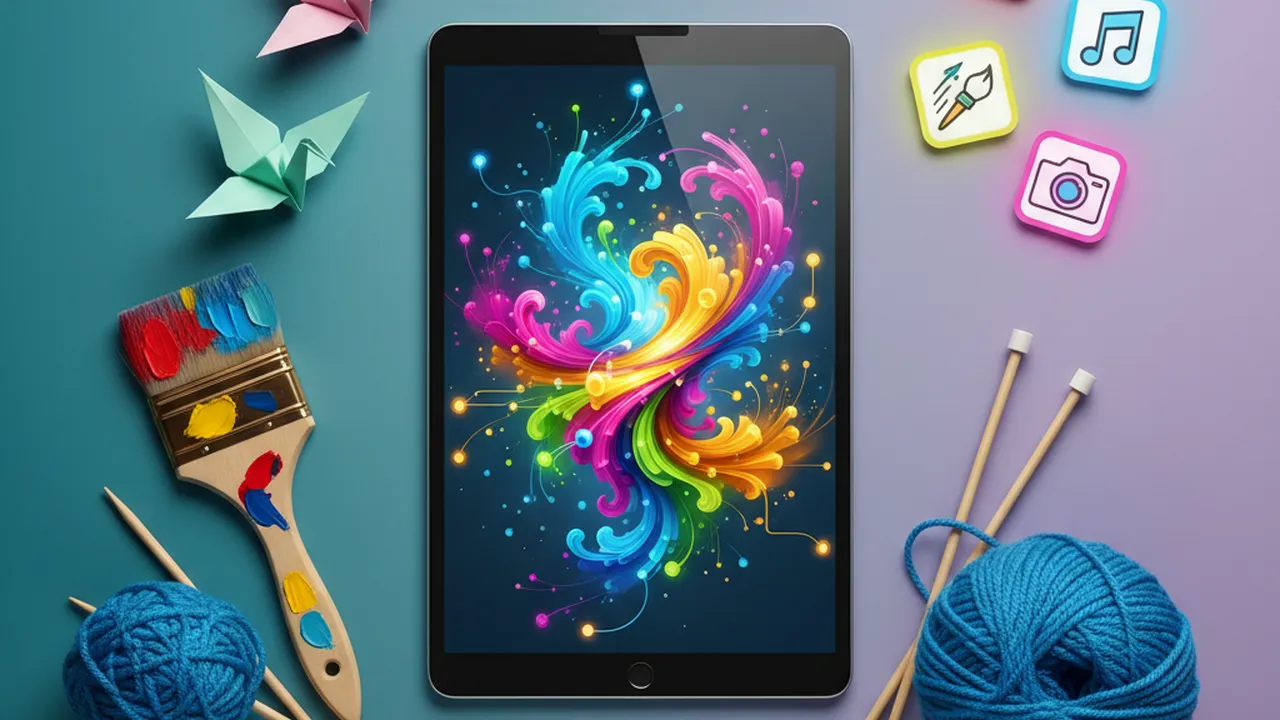
5 Best AI Apps for Creative Hobbies
Discover the top 5 AI applications that can assist with creative hobbies like writing, art, and music. Unleash your creativity with AI-powered tools.
In today's rapidly evolving digital landscape, artificial intelligence (AI) is no longer confined to the realms of science fiction or complex industrial applications. It's increasingly weaving itself into the fabric of our daily lives, and one of the most exciting frontiers is its application in creative hobbies. Whether you're an aspiring artist, a budding writer, a music enthusiast, or simply someone looking to explore new avenues of self-expression, AI tools are emerging that can significantly enhance your creative process, overcome creative blocks, and even unlock entirely new possibilities. This article delves into five of the best AI applications designed to empower your creative hobbies, offering insights into their functionalities, use cases, and how they stack up against each other.
Unleashing Artistic Potential with AI Art Generators
The world of visual art has been dramatically impacted by AI, with art generators becoming incredibly sophisticated and accessible. These tools allow users to create stunning visual pieces from simple text descriptions, often referred to as prompts. They democratize art creation, enabling individuals without traditional artistic skills to bring their imagination to life.
Midjourney
Midjourney is renowned for its ability to produce highly artistic and often surreal images. It operates through a Discord bot, making the interface unique and community-driven. Users type text prompts, and Midjourney generates four variations of an image. The platform excels at creating atmospheric, painterly, and imaginative visuals.
- Use Cases: Concept art, digital illustrations, unique social media visuals, inspiration for traditional art projects.
- Pros: Produces aesthetically pleasing and often unique artistic styles, active community for inspiration and learning.
- Cons: Requires a Discord account, can have a learning curve for prompt engineering, subscription-based.
- Pricing: Starts at $10/month for basic access, with higher tiers offering more GPU time.
Stable Diffusion
Stable Diffusion is a powerful open-source model that offers immense flexibility. It can be run locally on capable hardware or accessed through various online platforms and interfaces. Its open-source nature means a vast community contributes to its development, leading to numerous custom models and tools built around it.
- Use Cases: Photorealistic image generation, artistic style transfer, image-to-image transformations, creating custom datasets.
- Pros: Highly customizable, open-source (free to use if run locally), capable of photorealism and diverse artistic styles, large community support.
- Cons: Running locally requires significant computing power (GPU), online versions can vary in quality and cost, prompt engineering is crucial.
- Pricing: Free if run locally. Online services vary, with some offering free tiers and others charging per generation or via subscription (e.g., DreamStudio starts around $10 for credits).
DALL-E 3 (via ChatGPT Plus or Bing Image Creator)
OpenAI's DALL-E 3 is integrated into ChatGPT Plus and is also accessible for free through Microsoft's Bing Image Creator. It's known for its strong adherence to prompts and its ability to generate coherent and detailed images, including text within images, which many other generators struggle with.
- Use Cases: Generating illustrations for articles, creating specific scenes based on detailed descriptions, adding text elements to images.
- Pros: Excellent prompt adherence, good at generating text within images, user-friendly interface (especially via ChatGPT/Bing).
- Cons: Less artistic 'flair' compared to Midjourney for some styles, requires ChatGPT Plus subscription for direct integration or uses Bing's interface.
- Pricing: Included with ChatGPT Plus ($20/month). Free via Bing Image Creator with daily limits.
AI Writing Assistants for Storytellers and Content Creators
For writers, AI can be an invaluable partner in overcoming writer's block, refining prose, generating ideas, and even structuring narratives. These tools don't replace the writer but act as sophisticated assistants.
Jasper (formerly Jarvis)
Jasper is a comprehensive AI writing assistant designed for various content creation needs, including blog posts, marketing copy, social media updates, and creative writing. It offers numerous templates and modes to guide the writing process.
- Use Cases: Drafting blog posts, writing marketing copy, generating story ideas, expanding on existing text, overcoming writer's block.
- Pros: Versatile, user-friendly interface, good range of templates, integrates with plagiarism checkers and SEO tools.
- Cons: Can be expensive for individuals, output sometimes requires significant editing for originality and tone.
- Pricing: Starts around $39/month for the Creator plan.
Sudowrite
Sudowrite is specifically tailored for fiction writers. It offers features like 'Write' (which continues your story in your style), 'Describe' (which adds sensory details), and 'Brainstorm' (for generating plot points, character names, etc.). It aims to feel like a collaborative writing partner.
- Use Cases: Novel writing, short story creation, character development, adding descriptive language, exploring plot alternatives.
- Pros: Specifically designed for creative fiction, excellent features for enhancing prose and brainstorming, intuitive for writers.
- Cons: Primarily focused on fiction, subscription-based.
- Pricing: Offers a free trial, with paid plans starting around $10/month for limited word counts, scaling up.
ChatGPT (GPT-4)
While not exclusively a writing assistant, the advanced capabilities of GPT-4, accessible via ChatGPT Plus, make it an incredibly powerful tool for writers. It can brainstorm ideas, outline stories, write drafts, rewrite passages, and even offer critiques.
- Use Cases: Idea generation, outlining, drafting sections of text, summarizing research, character sketching, dialogue writing.
- Pros: Highly versatile, understands context well, can adapt to different writing styles, accessible through a familiar chat interface.
- Cons: Requires careful prompting to get the best results, output can sometimes be generic, potential for factual inaccuracies if used for research without verification.
- Pricing: Included with ChatGPT Plus ($20/month).
AI Music Tools for Composition and Exploration
AI is also making waves in the music industry, offering tools that can help generate melodies, harmonies, and even complete tracks, making music creation more accessible.
Amper Music
Amper Music (now part of Shutterstock) uses AI to compose original music based on user-defined parameters like mood, genre, and instrumentation. It's particularly useful for content creators needing background music quickly.
- Use Cases: Creating background music for videos, podcasts, or presentations; exploring musical ideas.
- Pros: Fast music generation, customizable parameters, royalty-free music.
- Cons: Less control over fine details compared to traditional composition, primarily a commercial tool now.
- Pricing: Available through Shutterstock's licensing plans.
AIVA (Artificial Intelligence Virtual Artist)
AIVA is an AI music composer that can create soundtracks for films, games, commercials, and more. It has a vast library of styles and allows users to edit the generated scores, making it a powerful tool for both beginners and experienced musicians.
- Use Cases: Composing soundtracks, generating musical ideas, creating background scores, exploring different musical genres.
- Pros: Wide range of styles, ability to edit generated music, can create complex arrangements.
- Cons: Subscription-based, requires some musical understanding to fully utilize editing features.
- Pricing: Offers a free plan with limited features. Paid plans start around $14/month for more extensive use and licensing.
Google's Magenta Studio Plugins
Magenta Studio offers a suite of open-source plugins for Ableton Live that leverage AI for music creation. Tools like 'Generate' can create new melodies based on existing ones, while 'Interpolate' can create transitions between musical ideas.
- Use Cases: Assisting music producers in DAWs (Digital Audio Workstations), generating melodic ideas, creating musical transitions, experimental music creation.
- Pros: Open-source, integrates with popular DAWs like Ableton Live, offers creative inspiration for musicians.
- Cons: Requires Ableton Live software, more technical setup involved, focused on specific musical tasks.
- Pricing: Free.
AI for Hobbyists Combining Multiple Creative Interests
Some AI tools are versatile enough to support a range of creative hobbies, bridging different disciplines.
Canva Magic Studio
Canva, a popular graphic design platform, has integrated a suite of AI features under 'Magic Studio'. This includes Magic Write (for text generation), Magic Design (for generating design templates), and AI image generation tools. It's perfect for hobbyists who need to create visuals for social media, presentations, or personal projects.
- Use Cases: Creating social media graphics, designing invitations, making presentations, generating simple logos, writing captions.
- Pros: All-in-one platform, user-friendly, vast template library, integrated AI features simplify design and content creation.
- Cons: AI features might be less advanced than specialized tools, requires a Canva account (Pro version unlocks more AI features).
- Pricing: Free tier available. Canva Pro ($12.99/month or $119.99/year) unlocks most AI features and premium content.
Adobe Creative Cloud Express (with Adobe Firefly)
Similar to Canva, Adobe's Creative Cloud Express offers user-friendly design tools enhanced by AI, particularly through Adobe Firefly. Firefly allows for text-to-image generation, generative fill, and text effects directly within the Express workflow or other Adobe applications.
- Use Cases: Graphic design, photo editing, creating marketing materials, generating unique visual elements for projects.
- Pros: Powerful AI capabilities from Adobe Firefly, integrates with the broader Adobe ecosystem, user-friendly interface.
- Cons: Some advanced features require a subscription, generative AI credits may apply.
- Pricing: Free tier available. Premium features and more generative credits included with Adobe Express Premium ($9.99/month) or Creative Cloud subscriptions.
Choosing the Right AI Tool for Your Creative Hobby
The best AI tool for you depends heavily on your specific hobby and needs. If you're focused on visual art, Midjourney, Stable Diffusion, and DALL-E 3 offer distinct strengths. For writers, Jasper and Sudowrite provide specialized assistance, while ChatGPT offers broad utility. Musicians might find AIVA or Magenta Studio particularly helpful.
Consider these factors when choosing:
- Ease of Use: Are you looking for a simple, intuitive interface, or are you comfortable with more complex tools and settings?
- Specific Features: Does the tool offer the exact functionality you need (e.g., photorealism, specific musical styles, narrative generation)?
- Cost: Are you willing to pay a subscription, or do you need free or open-source options? Consider the value provided relative to the cost.
- Integration: Does the tool work well with other software or platforms you already use?
- Community and Support: Is there an active community for help, inspiration, and sharing tips?
AI is rapidly transforming the creative landscape, making it more accessible and exciting than ever before. By leveraging these powerful tools, hobbyists can push the boundaries of their creativity, explore new artistic directions, and bring their unique visions to life with unprecedented ease and power. Dive in, experiment, and see where AI can take your creative journey!
:max_bytes(150000):strip_icc()/277019-baked-pork-chops-with-cream-of-mushroom-soup-DDMFS-beauty-4x3-BG-7505-5762b731cf30447d9cbbbbbf387beafa.jpg)